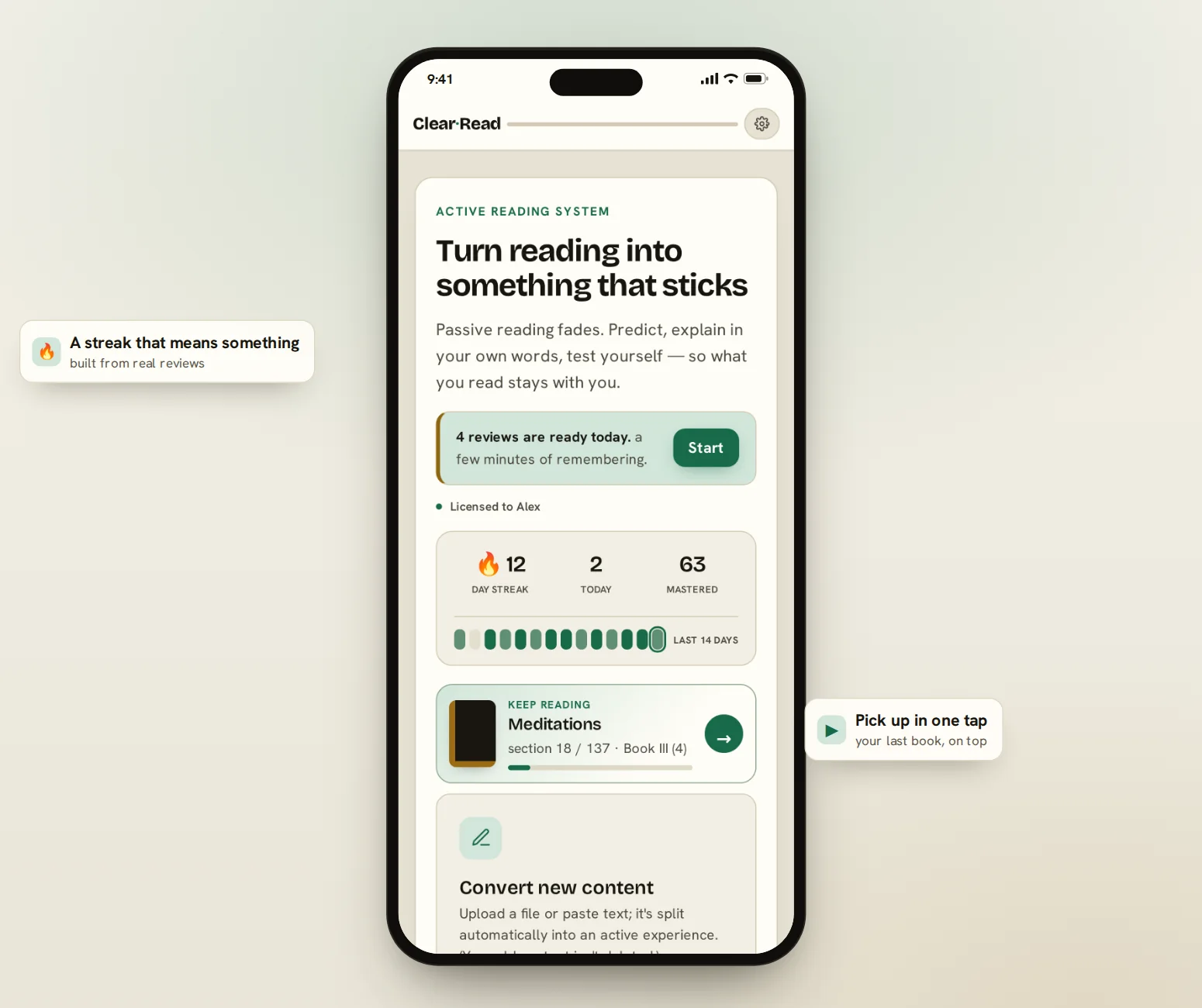
Active reading system
You finish a book, and two weeks later it's gone. That's not your memory failing — that's what passive reading does. ClearRead turns reading into something that stays.

You read the book. You highlighted it. You understood it.
A month later, someone asks: “What was it about?”
“It was… good.”
The problem isn't you. The problem is that reading only goes one way.
How it works
Active recall and spaced repetition — two of the best-supported techniques in learning research — built into the way you read.

Guess before you read. Even a wrong guess primes your memory.
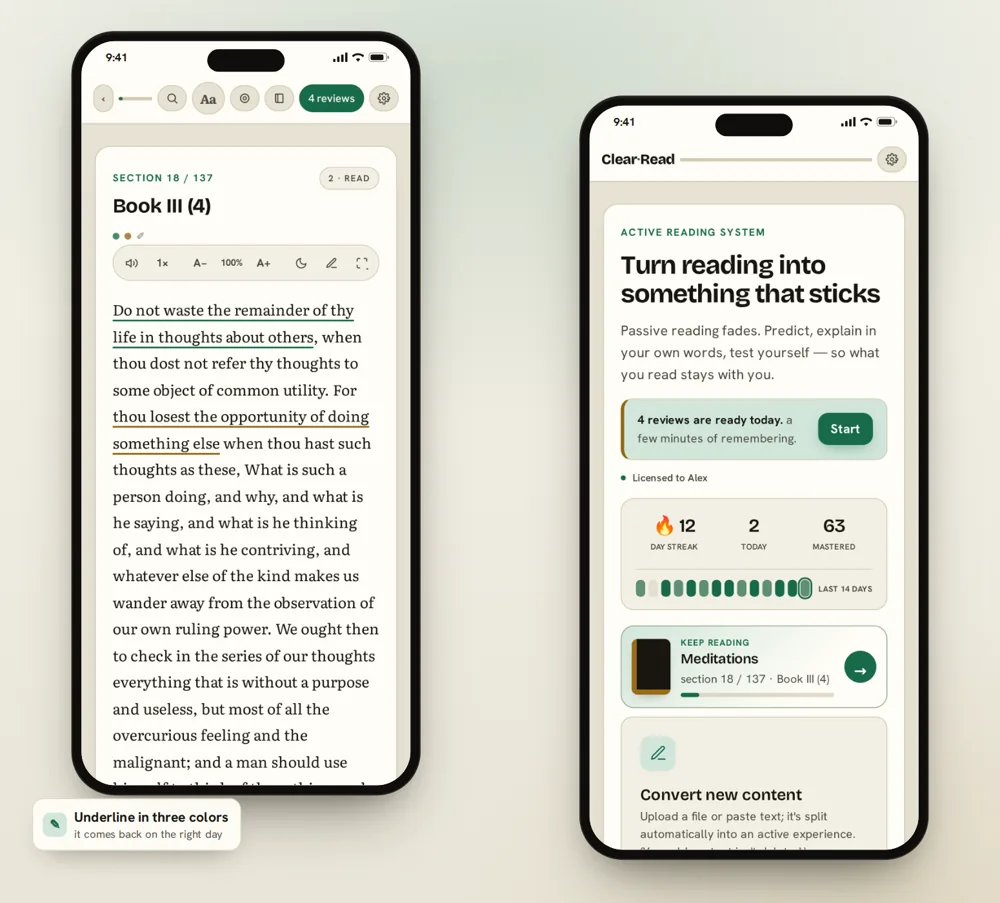
Short sections. Underline in three colors: important, agree, doubtful.
Say it in your own words. Where you stall is where you didn't understand.
Compare with the key points, grade yourself — it comes back on the right day.
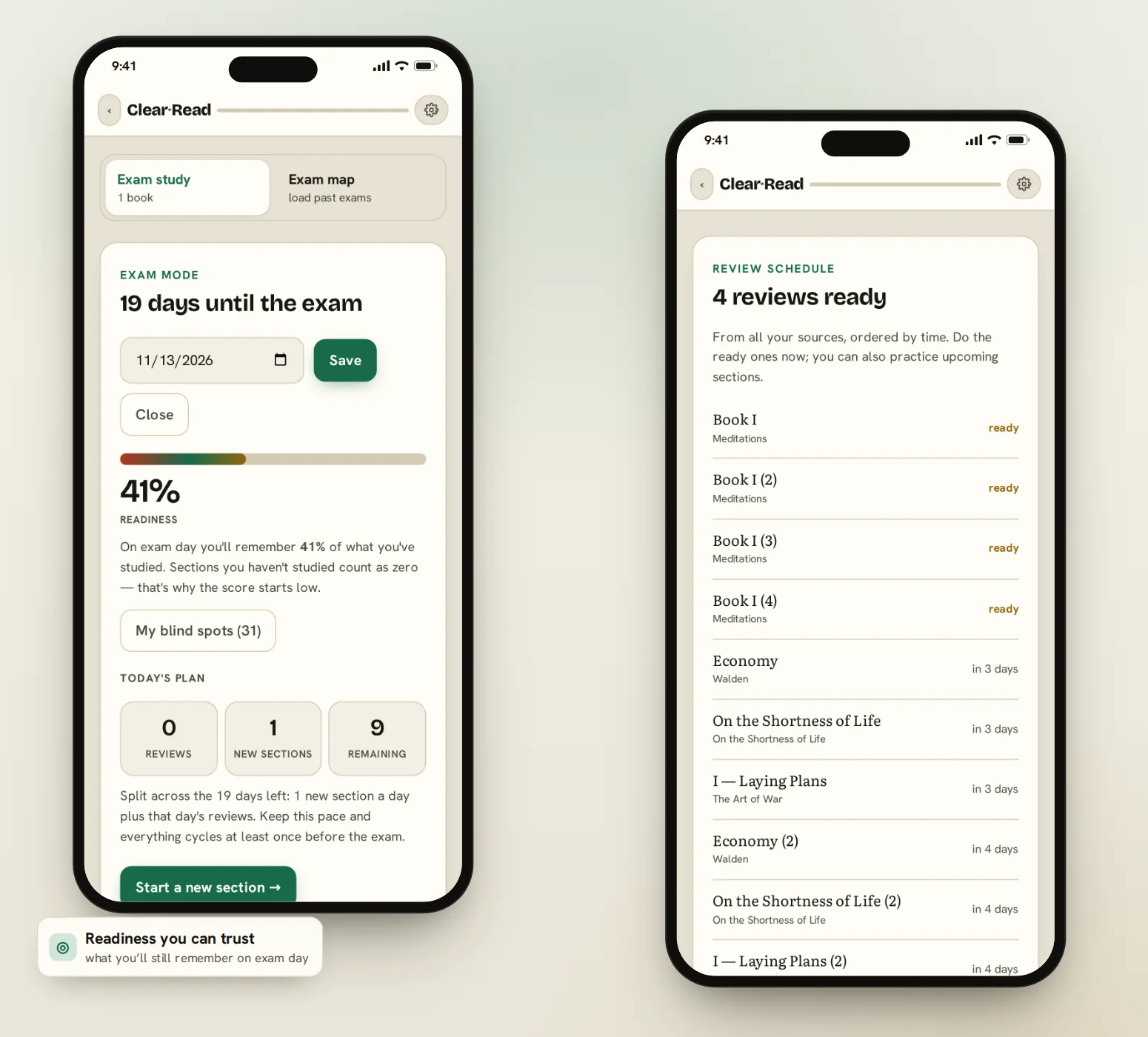
Set your exam date. ClearRead estimates how much you'll still remember on that day, splits what's left across the days you have, and hands you one button: start.

For novels
Fiction gets its own rhythm: long chapters, one question at the end. X-Ray finds the people and places on its own, and when you come back after a break, “Where was I?” catches you up in ten seconds. Everything stops at the page you're on — nothing is spoiled.


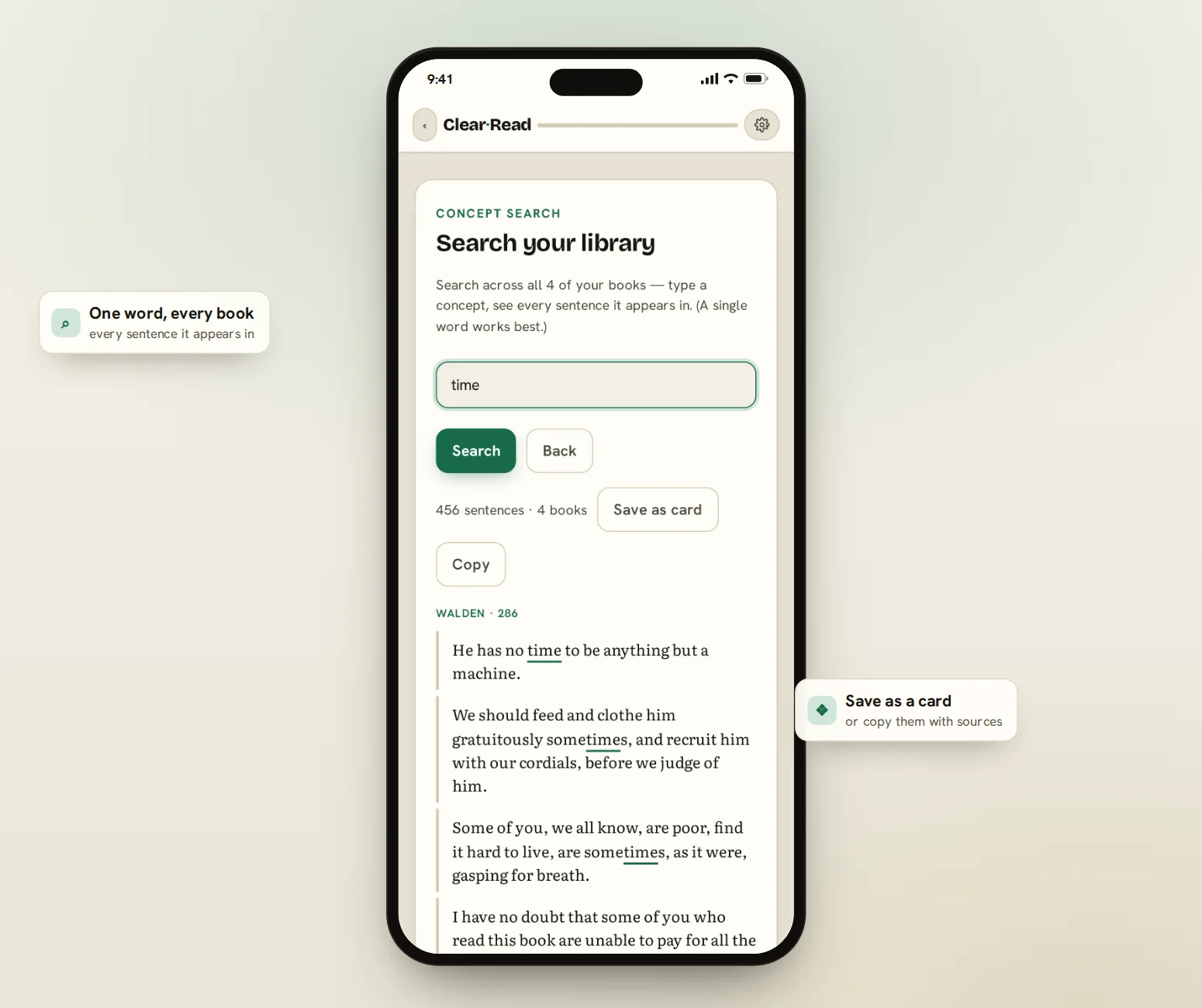
Type a concept and see every sentence it appears in, across every book you've read. While you read, ClearRead points out ideas you've already met somewhere else.
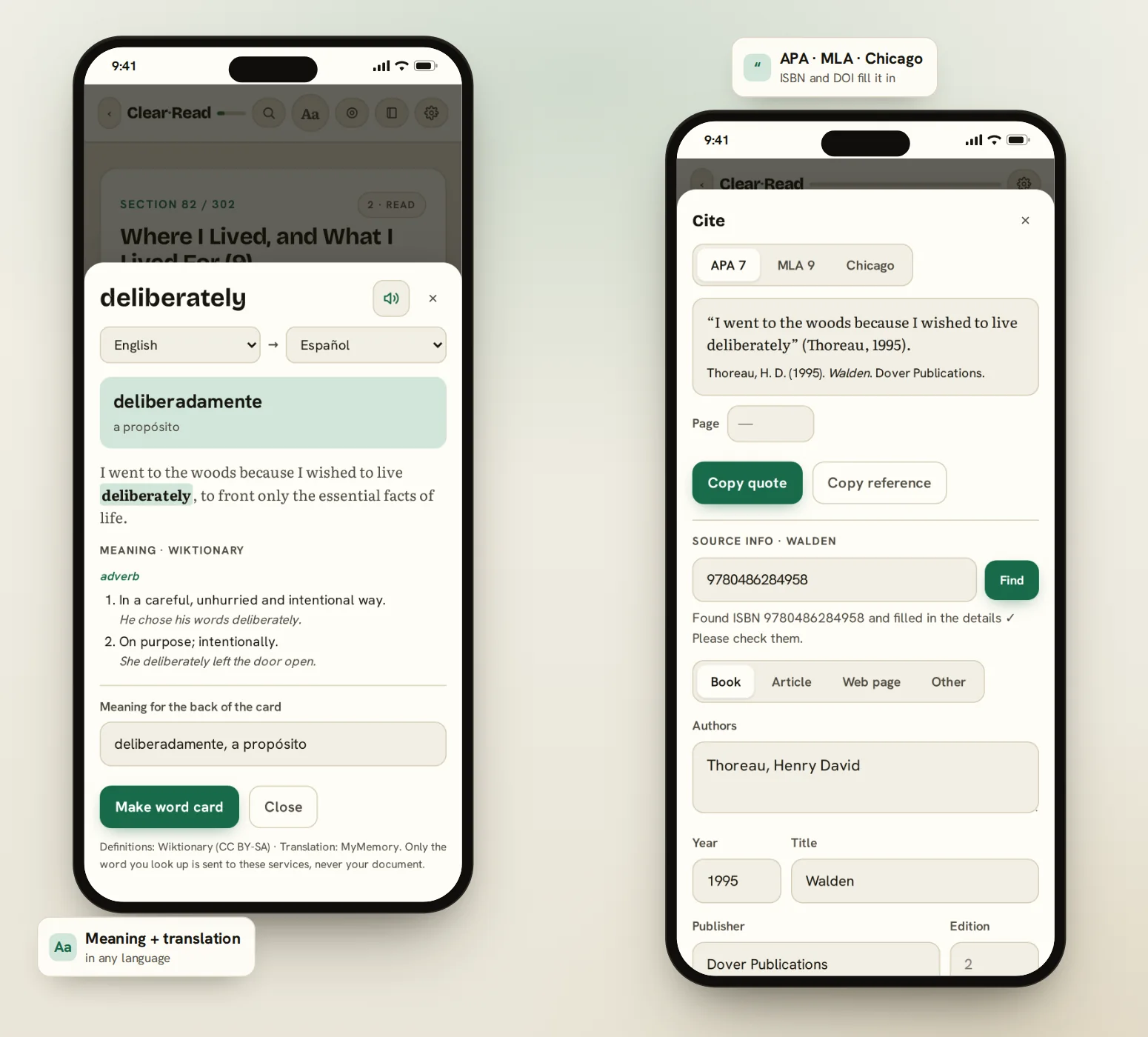
Long-press a word for its meaning and a translation in any language, then turn it into a flashcard with the sentence you found it in. Need a quote for a paper? Copy it with a citation that's actually right.


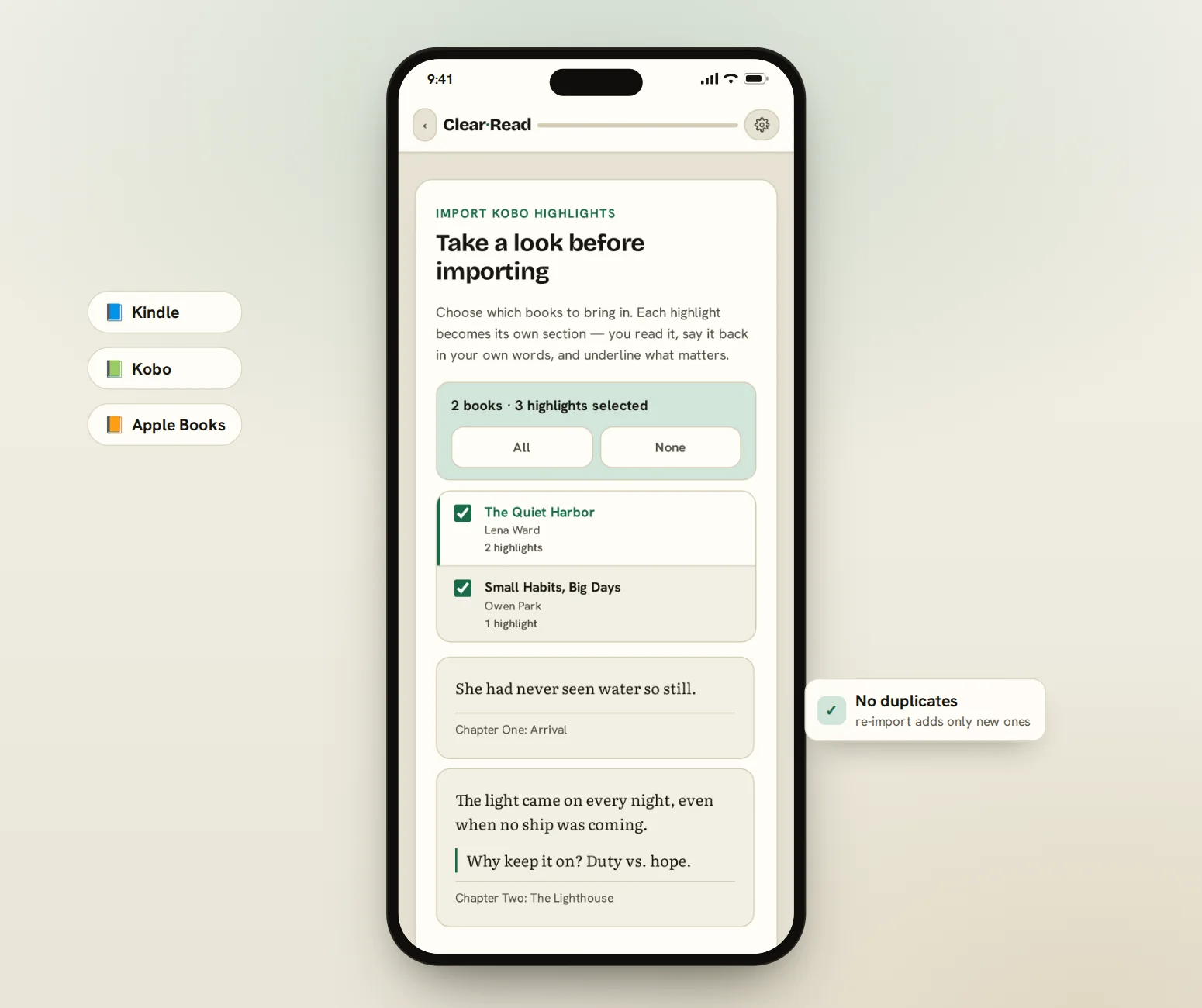
Your e-reader is full of sentences you meant to remember. Bring them in and each one joins your daily review — with the note you wrote next to it.
Also included
Sometimes you want the document exactly as it is — figures, tables, layout. So there's a serious PDF reader in here too.

Tap a word or a whole sentence to highlight. Draw with a pen, write a note by hand, turn it sideways in the margin.
Two-column papers become one readable column at any size. Your highlights stay anchored to the text.
Every page indexed; the match flashes on the page when you jump to it.
Brightness flips, colors don't — diagrams stay readable.
Highlights, drawings and notes out as Markdown — or a PDF with your marks on it.
Each document is its own file in your Drive. Clear your browser and it comes back.
Private PDF toolkit
Most “free PDF tools” send your file to someone's server and cap you at a few a day. These run entirely on your device — no uploads, no daily limits.

It installs like a real app on iPhone, Android, Mac and Windows, and opens right where you left off — your last book is the first thing you see.
On iPhone: open in Safari, tap Share (↑) → Add to Home Screen.

No shortcuts
ClearRead runs no AI while you read. Your text is never sent to a server and nothing is summarized for you. The point isn't for a machine to understand the book — it's for you to understand it, and still have it a month later.
Pricing
No subscription. No monthly creep. Unlimited books, unlimited time.
Lifetime access · Free updates
Want to try it first? Open the free version
Subscriptions exist because most apps keep your library on their servers, and servers cost money every month. ClearRead runs on your device and syncs to your own Drive — there's no server bill to pass on to you.
I built this for myself. I'd read a book a month for a year and realized I couldn't tell you what any of them said. Highlighting felt like studying — it wasn't. So I made the thing that forces me to say it back.
— the maker of ClearRead
FAQ
Yes. Once you've opened it, ClearRead works with no internet at all. Add it to your home screen and it opens like any other app — reading, reviews, notes and PDFs, all on your device.
On your device. If you connect Google Drive, a copy is kept in a private area of your own Drive so it follows you across devices and survives a browser reset. We run no server and never see your data. You can also export a backup file at any time.
PDF, EPUB, TXT, Markdown, and text you paste in. You can also bring in highlights from Kindle (My Clippings.txt or the app's notebook export), Kobo (the Kobo.com annotation export, or the device's database for every book) and Apple Books (copied from iPhone or iPad, or all at once on a Mac). Kobo.com only exports books bought from Kobo; the device route covers everything else.
Yes. Word cards, memory-box sentences and highlights export as an Anki deck (.apkg) that opens in Anki, AnkiMobile and AnkiDroid — the hidden words become cloze cards. Export again later and Anki updates the cards instead of duplicating them. There’s also a plain-text export that Quizlet and Anki’s File › Import both read.
Yes. Redacted pages are rebuilt as images, so the hidden text isn't underneath the black box — it's gone. When it finishes, ClearRead checks the new file and confirms none of the redacted words can be found. Pages you didn't redact stay exactly as they were.
No. Merging, splitting, compressing, signing, scanning to text, comparing and redacting all run in your browser on your own device.
Because there's nothing to bill you for monthly. Your books and progress live on your device and in your own Drive — we don't host them.
Three with a single license — a phone, a tablet and a laptop.
Not while you read — that experience is AI-free and offline. Optionally, when you import a book, a small model can run on your own device to pick key concepts more accurately. It's your choice, and everything works with it turned off.
English, German, French and Turkish. The content language is independent — you can read a book in any language.
No signup, no card. Try the sample and see the whole loop in two minutes.